
10 + 3[1] 1310 - 3[1] 710 * 3[1] 3010 / 3[1] 3.33333310 ^ 2[1] 100Statistical Methods with R
Unit A · Chapter 01 · Lecture 01b
Developed by Jeffrey M. Girard
R and RStudio
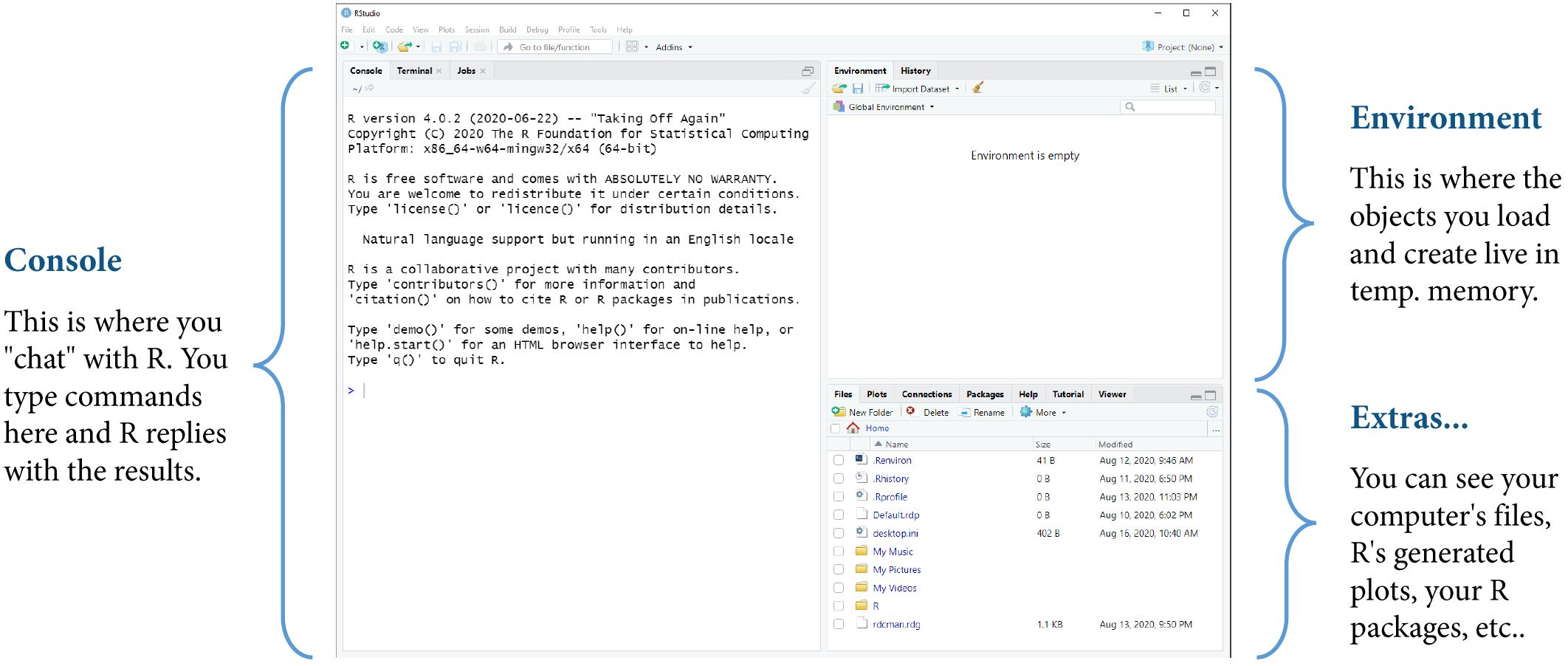
Console
Scripts
Activity
Programming is how we talk to and control computers
It gives us power and flexibility
Everything in this course is done via programming
Programming will leave a record of what we did (i.e., code)
R is a well-meaning but overly literal genie
Mastering the R language means learning…
The four operators you already know, plus ^ for powers. Spaces are optional.
Error: unexpected symbol in "10 x"Error: unexpected '\' in "10 \"Multiplication is *, never x, and division is /, the slash that leans the other way. R reads \ as the start of something else entirely.
Multiplication happens before addition, exactly as in algebra. Parentheses override that, and are worth adding whenever the order is not obvious.
Negative numbers need no special treatment, and division gives a decimal, not a fraction. R prints as many digits as it thinks you need, not all it has.
Error: unexpected ',' in "9,"R drops leading and trailing zeros that carry no information. Thousands separators are for humans: type the digits and nothing else.
.R extension
A script holds many lines at once. Think of it as drafting an email with several instructions rather than shouting one at a time.
[1] 4.5[1] 11.11111Anything after a # is ignored by R and exists only for human readers. A comment can sit on its own line or at the end of one; the code still runs.